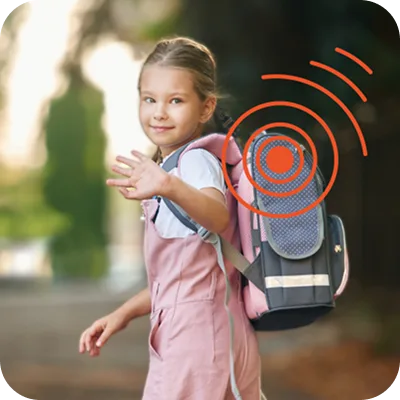
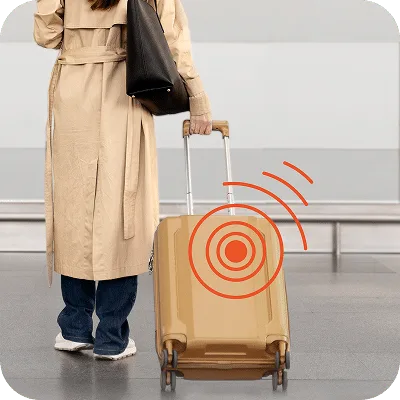
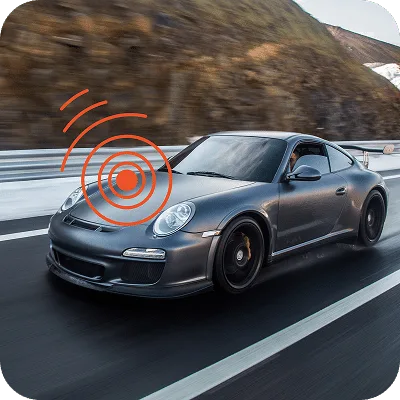
Step-by-step guides for every model
Find the right tracker for your needs.
Quick answers to common questions
Service PIN: If you are a customer, please provide your Service PIN when calling support. You can find it in the Finder Portal app, in the menu under your name.
Monday – Friday: 9 a.m. – 4 p.m. (CET)
Absolutely. The Live Tracking feature shows the real-time position of your tracker on a map. Depending on your device and settings, the location updates every few seconds so you can follow movements as they happen.
Stay informed and in control with our “Smart Alarms.” You can receive instant alerts via push notification or email based on your specific needs:
Geofence: Get notified if the tracker enters or leaves a pre-set area.
Motion/Vibration: Be alerted immediately if your device is moved or shaken.
Speed: Set a limit and receive a notification if it is exceeded.
Battery: Get a warning before your power runs too low.
Additional alerts are available depending on your specific device model, ensuring you always know exactly what is happening in real-time.
Our Digital Logbook takes the hassle out of tracking by automatically recording every journey for you. It captures essential data—including start and end times, duration, and average speed—and even offers automatic categorization for your trips.

This feature is perfect for:
Business Users: Effortlessly document mileage for tax or reimbursement purposes.
Families: Keep a reliable record of travel habits and frequent routes.
Yes! Depending on your subscription plan, you can store and view your Route History for up to 365 days. You can replay any journey on the map and see exactly where the device was at any given time.