









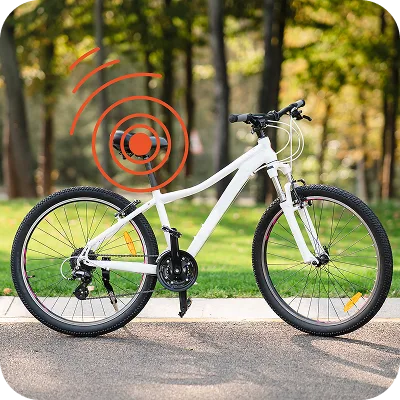























Mount your tracker on any magnetic metal surface – no drilling, everything you need is in the box. Watch the video or follow the steps below.
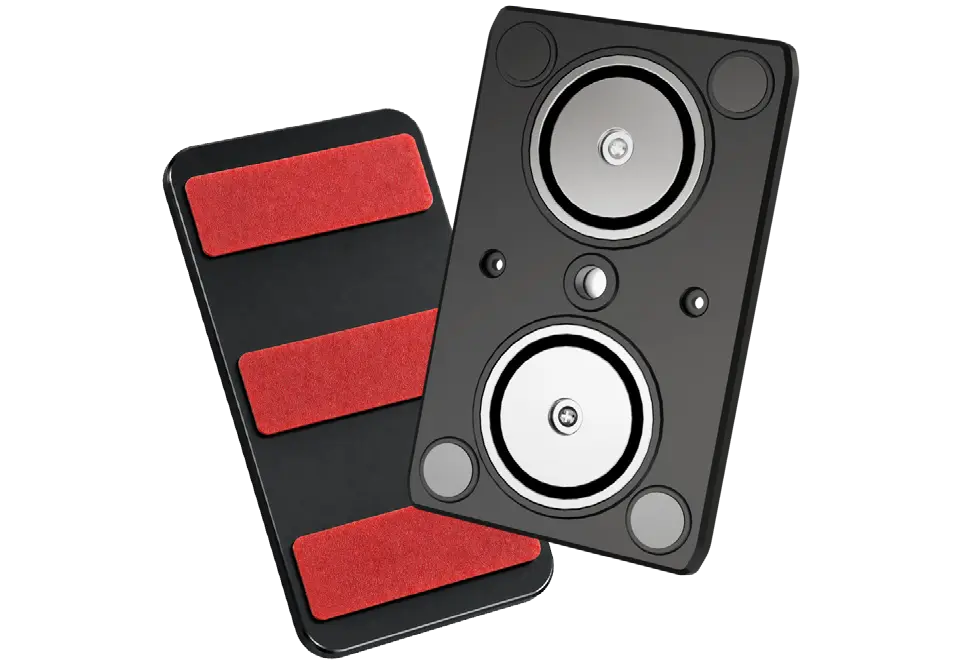
See how to attach the magnetic plate to your tracker and where to place it on your vehicle.
Everything except your tracker is in the box.
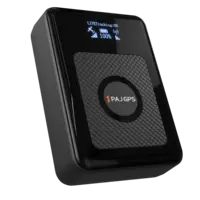 Your Tracker
You provide
 Magnetic + Metal Plate
In the box
 2 Small Screws
In the box
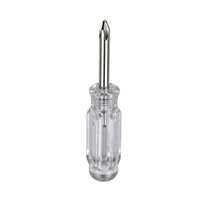 Small Screwdriver
In the box
Prefer reading? Follow these four steps.
Place the magnetic mounting plate onto the back of the tracker and slide it carefully into the bracket.
Secure the plate with the two supplied screws.
Mounting on a non-magnetic surface? Peel the protective film off the back of the metal plate and stick it onto the surface.
Attach the tracker to a magnetic surface – or to the metal plate from step 3.
Final check: the tracker display should show a connection for both GPS and network.
The magnetic plate fits the POWER Finder 4G 2.0 and the POWER Finder 4G 2.0 Max.
No. The magnetic plate is an optional accessory and is sold separately. Without the plate, you can place the tracker hidden inside your vehicle, e.g. in the trunk, under a seat or in the glove compartment.
Yes. The plate has cut-outs for the tracker's drop sensor, so the sensor keeps working while the magnetic plate is attached.
Any magnetic metal surface, such as a steel vehicle frame, a trailer chassis or construction machinery. For the best hold, the surface should be clean, dry and flat.
For non-magnetic surfaces such as aluminium, plastic or fibreglass, use the self-adhesive metal plate: peel off the protective film, stick it onto the surface and attach the tracker to it.
Yes. The bracket holds the plate in position, but the two screws make sure it stays firmly attached to the tracker – for example on bumpy roads or when the vehicle vibrates.
Take the tracker off the metal surface, remove the two screws and slide the plate out of the bracket on the back of the tracker. Keep the screws in a safe place in case you want to reattach the plate later.
Our in-house customer service team will be happy to assist you with any questions about your product.
Help Desk