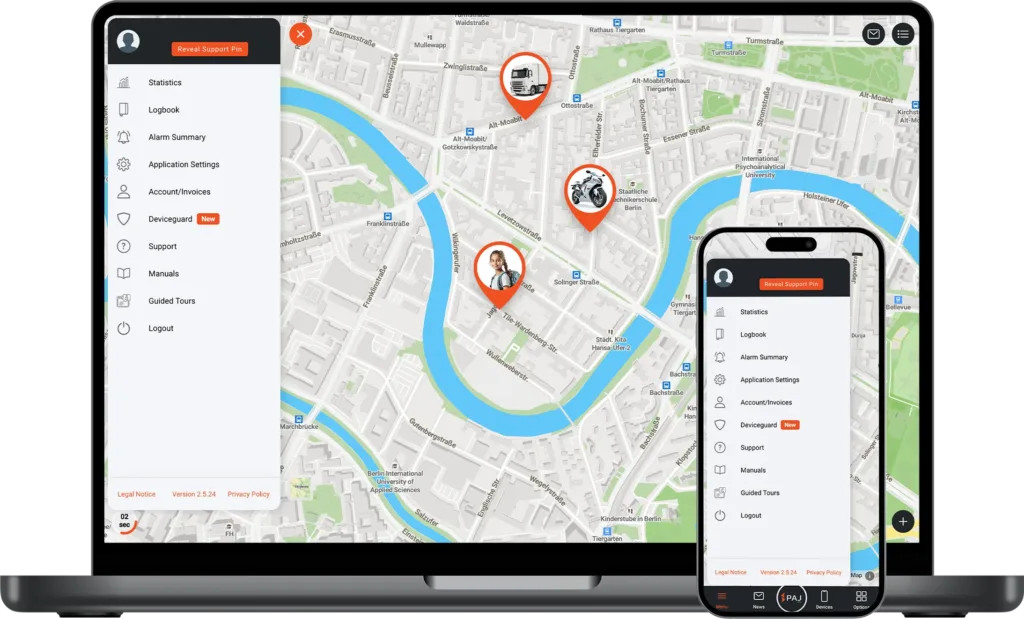
When you purchase a GPS tracker from us, you manage it via the Finder Portal.
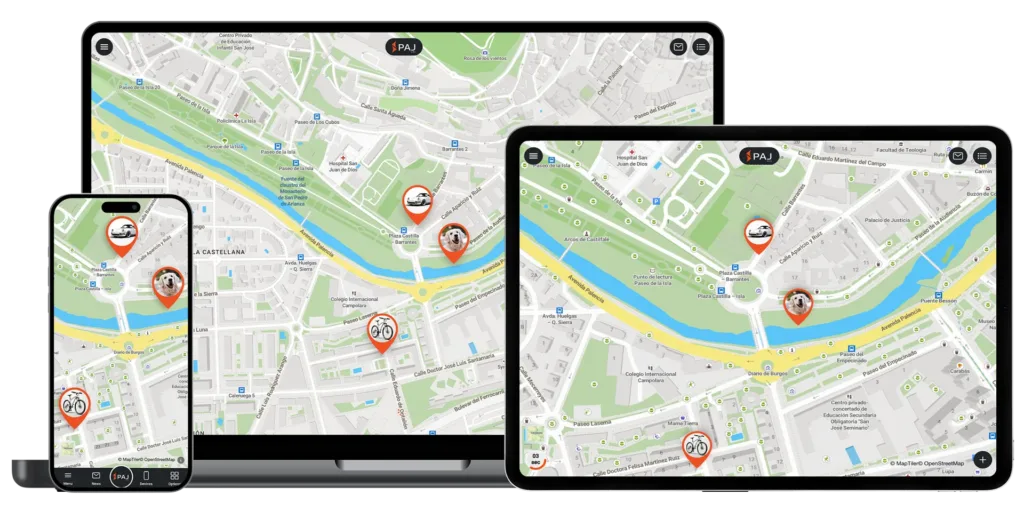
You can easily locate and manage one or multiple trackers, all in one place.
Watch the video to see how it works:
Discover All Features of the FINDER Portal, your Complete GPS Tracking Solution
More than just an app, the FINDER Portal provides all the tools you need for efficient GPS tracking – live location, route history, smart alerts, and central device management, accessible on any device worldwide.
Live tracking
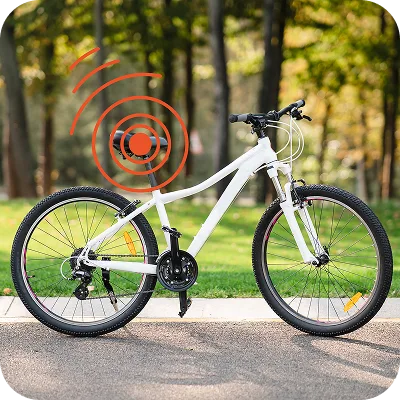
Current locations of all your GPS trackers at any time - whether car, motorcycle, bicycle or other devices
Route history & analyses
Trace past routes up to 365 days back – with detailed analyses
Central device management
Manage multiple GPS trackers in one place with a clear overview
Cross-Platform Access
Use the portal seamlessly on smartphone, tablet, or desktop
Intelligent alarms
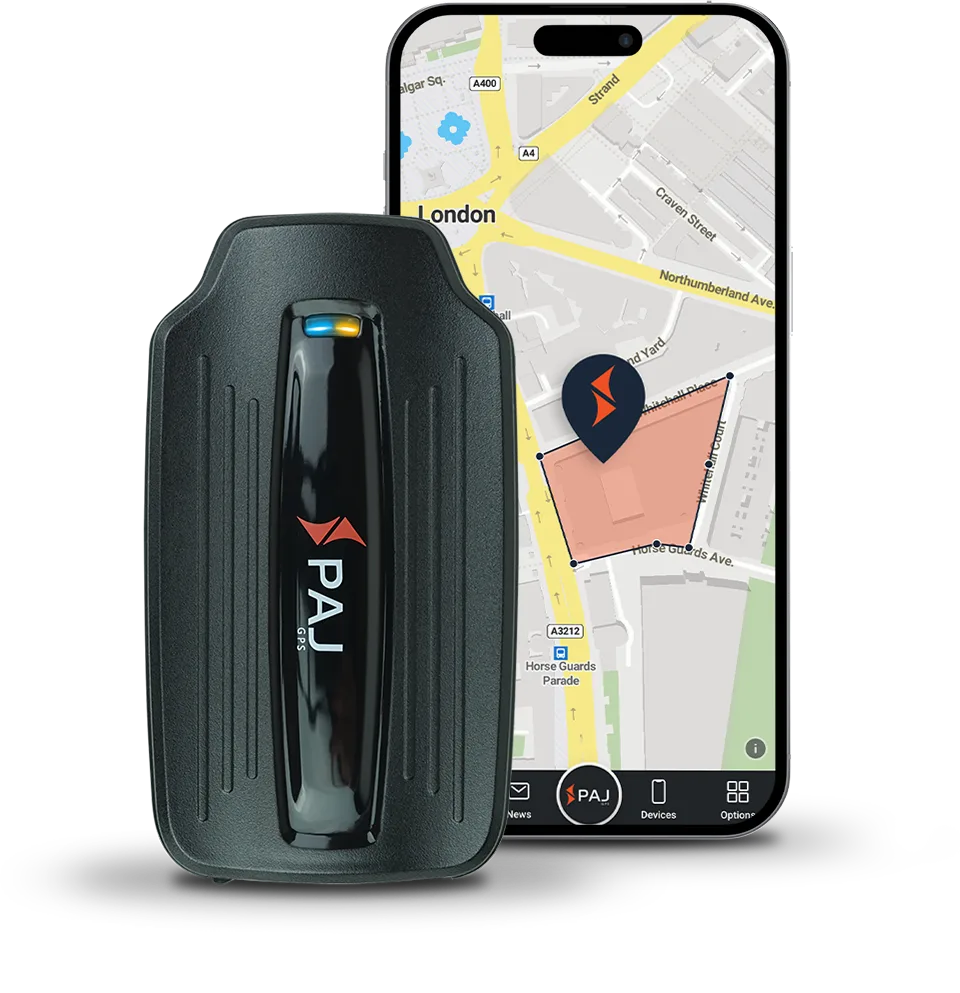
Instant notifications of movement, vibration, entering or leaving specified zones, and other events
Regular Updates
Continuous improvements and new features based on customer feedback
User Management
Assign roles and permissions with ease – from Admin to basic User
Open API
Build tailored solutions – from fleet systems to smart home automation
Live tracking
Current locations of all your GPS trackers at any time - whether car, motorcycle, bicycle or other devices
Route history & analyses
Trace past routes up to 365 days back – with detailed analyses
Central device management
Manage multiple GPS trackers in one place with a clear overview
Cross-Platform Access
Use the portal seamlessly on smartphone, tablet, or desktop
Intelligent alarms
Instant notifications of movement, vibration, entering or leaving specified zones, and other events
Regular Updates
Continuous improvements and new features based on customer feedback
User Management
Assign roles and permissions with ease – from Admin to basic User
Open API
Build tailored solutions – from fleet systems to smart home automation
Try the FINDER Portal for Free
With our trial access, you can explore all functions. A demo tracker records routes regularly, so you can experience the portal realistically.
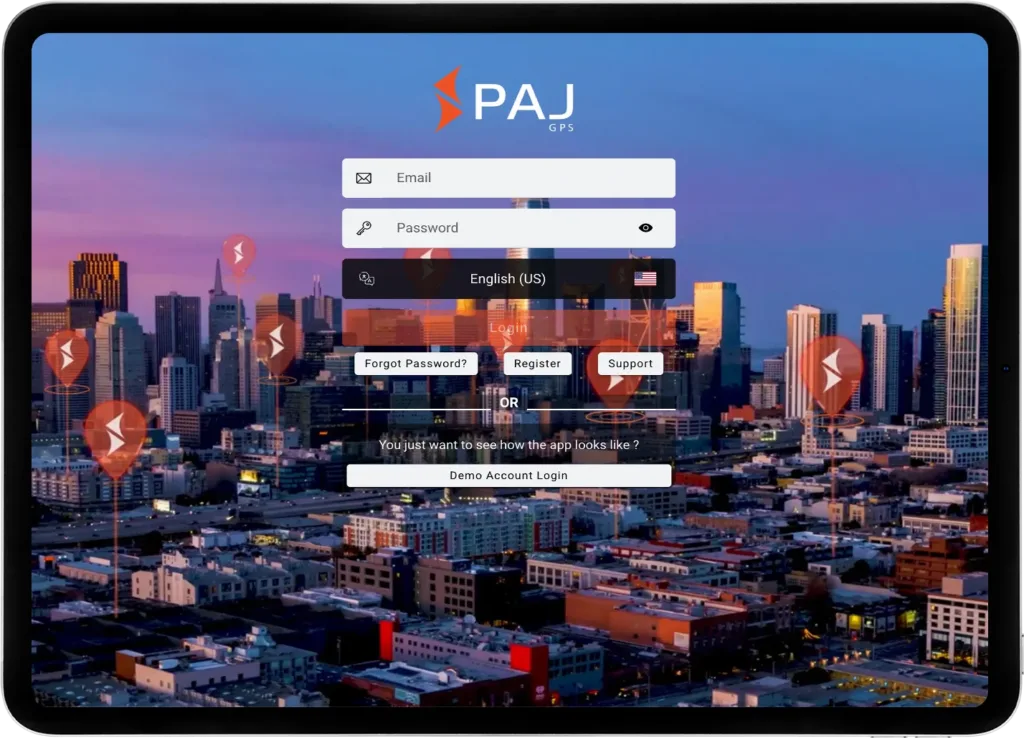
Open the app or web version and click on “Demo Account Login”
3
Explore Functions
Start using the portal with the integrated demo tracker – no registration required
* Since multiple users share this access, we do not recommend enabling notifications permanently. ** You may choose whether to allow the app to access your device’s location. This does not affect the demo access or tracker functionality.
What to Expect in the FINDER Portal
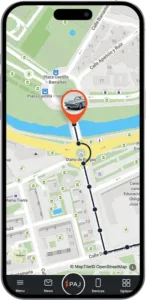
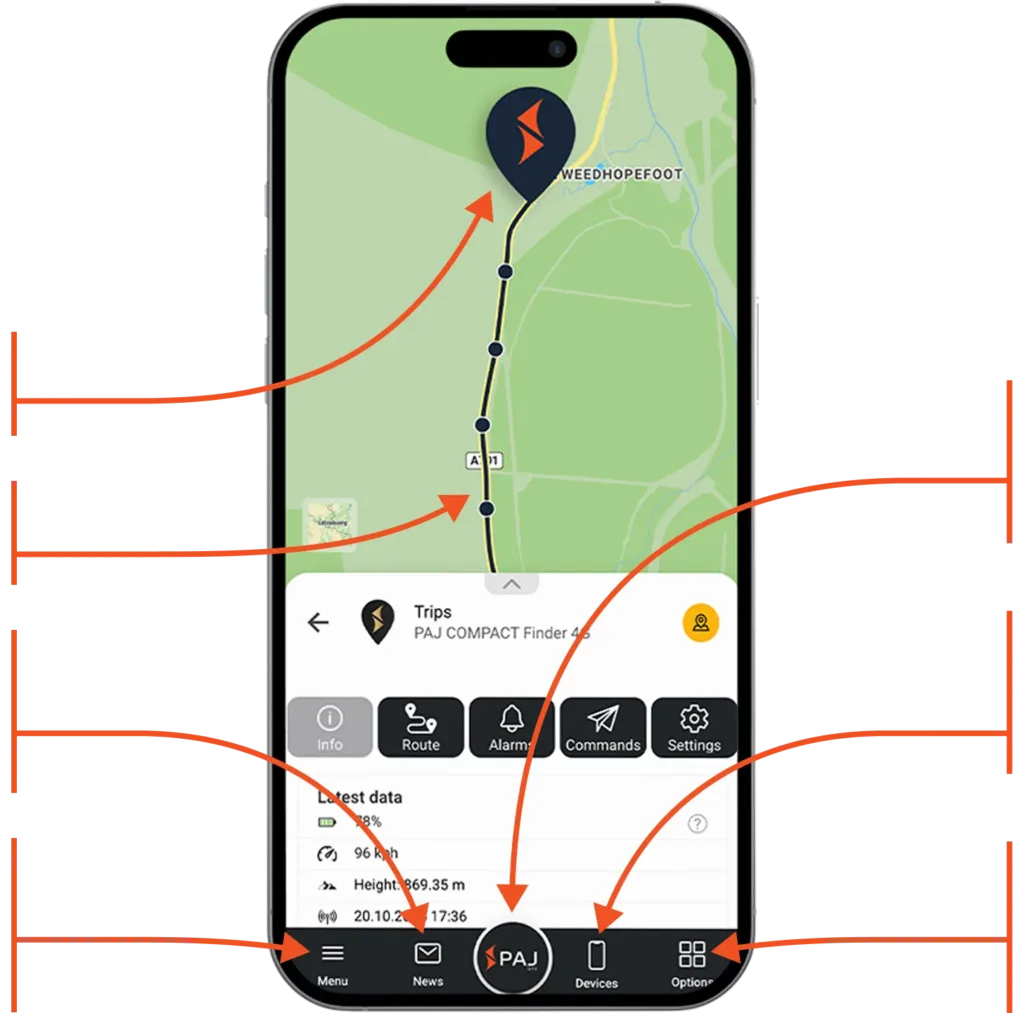
Current location of the device
Route traveled
Instantly access recent activities, routes, and alarms
Manage your account, adjust app settings and access the manual to discover all the features
Tap to return to the map view and refresh the data and refresh the data
Manage your device: View data, analyze routes, set alarms, and adjust settings
Customize your map view: Switch to 3D view, show or hide routes, waypoints and alarms
What to Expect in the FINDER Portal
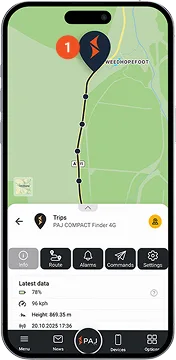
1
Current location of the device
2
Route traveled
3
Instantly access recent activities, routes, and alarms
4
Manage your account, adjust app settings and access the manual to discover all the features
5
Tap to return to the map view and refresh the data and refresh the data
6
Manage your device: View data, analyze routes, set alarms, and adjust settings
7
Customize your map view: Switch to 3D view, show or hide routes, waypoints and alarms
Multilingual and Cross-Device Compatible
Simple, Flexible, and Available on All Devices
The FINDER Portal is designed for maximum flexibility – usable on desktop, smartphone, and tablet. Thanks to the multi-device function, it can be used on several devices simultaneously, ideal for sharing with family, friends, or colleagues. With support for 9 languages, it is especially user-friendly and globally accessible.
Trusted by over 520,000 customers
in more than 30 countries worldwide.
See for yourself what others are saying!
Great value
The PAJ tracker is great value and works well. Had some difficulty in areas of poor reception but soon overcome.
MALCOLM G.
Verified Customer
Super easy
Really easy. Before I purchased I contacted the PAJ team via WhatsApp and they have answered all my questions within minutes.
Alina L.
Verified Customer
Very happy
Works well charged quick and last around 12 days with a lot off use
Matthew
Verified Customer
Great app
A great app to reasure on the tracking details of the vehicle
Your privacy is always our top priority. All data is stored securely on a European server managed under German law. User profiles are never created from your data, nor is it shared with third parties. Your data belongs only to you.
Open the FINDER Portal
All transmitted data is fully encrypted to protect your personal information and location data
Regular Security Updates
With PAJ GPS, you are protected from data leaks thanks to continuous updates that address new threats and enhance system security
Compliance with Privacy Regulations
We adhere to strict regulations and employ robust security measures to ensure your data is handled responsibly and safely
To keep our website reliable and user-friendly, we use cookies. They help us provide functions and improve your experience. You can accept all cookies, decline them, or adjust your settings individually – the choice is yours.
Functional
Always active
The technical storage or access is strictly necessary for the legitimate purpose of enabling the use of a specific service explicitly requested by the subscriber or user, or for the sole purpose of carrying out the transmission of a communication over an electronic communications network.
Preferences
The technical storage or access is necessary for the legitimate purpose of storing preferences that are not requested by the subscriber or user.
Statistics
The technical storage or access that is used exclusively for statistical purposes.The technical storage or access that is used exclusively for anonymous statistical purposes. Without a subpoena, voluntary compliance on the part of your Internet Service Provider, or additional records from a third party, information stored or retrieved for this purpose alone cannot usually be used to identify you.
Marketing
The technical storage or access is required to create user profiles to send advertising, or to track the user on a website or across several websites for similar marketing purposes.














































 ES
ES IT
IT PT
PT AUS
AUS